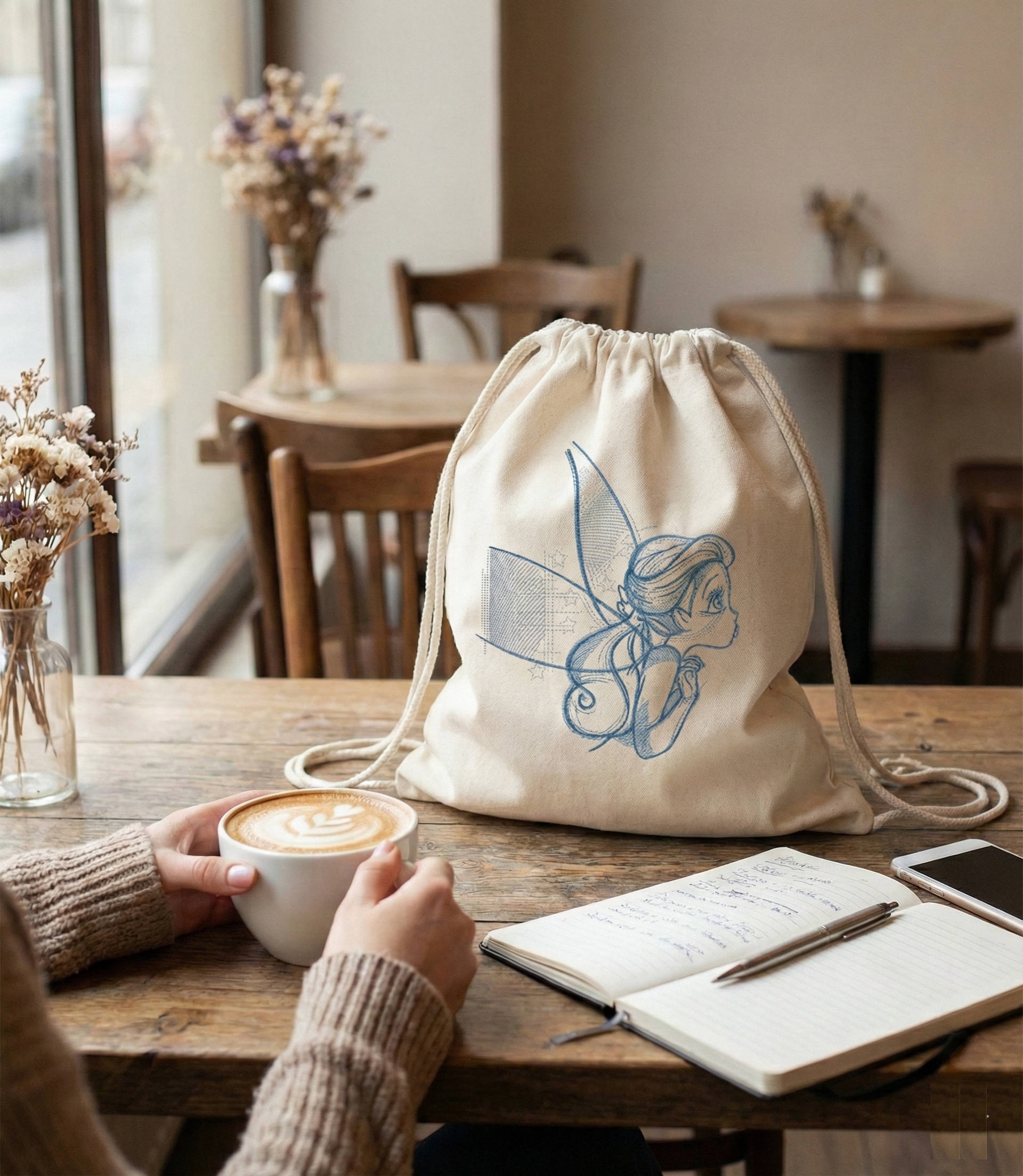
There’s something special about a simple tote bag — until you add embroidery.
Then it stops being just a bag and becomes part of your style.
Embroidered shoppers are not about trends. They’re about personality. About carrying something that feels yours — not mass-produced, not random, but intentional.
Why embroidered tote bags are actually practical
Let’s be honest — tote bags are everywhere.
But embroidery changes how you use them.
You don’t just grab it for groceries.
You take it to the city, to a café, to a walk in the evening.
✔ Strong fabric = durable for everyday use
✔ Large size = fits everything (laptop, books, daily essentials)
✔ Washable = easy to maintain
✔ And embroidery? It hides wear and adds character over time
💡 A good embroidered tote doesn’t age — it evolves.
It’s not just a bag — it’s your style
Look at a plain black tote. Clean, minimal… but forgettable.
Now imagine it with embroidery — like a tiger, floral pattern, or something abstract.
Suddenly it becomes a statement.
— Minimal design → calm, modern
— Bold embroidery → expressive, artistic
— Contrast stitching → premium, fashion-forward
👉 The key is balance:
the fabric stays simple, the embroidery tells the story.
Handmade = different energy
There’s a reason handmade things feel different.
When you create your own embroidered tote:
You choose the fabric
You choose the design
You decide the placement
Nothing is случайно — everything is intentional.
And people notice it. Not because it’s loud, but because it feels real.
How people actually use embroidered totes
This is where it gets interesting.
These bags are not just “DIY projects” — they become part of everyday life:
— City bag for daily essentials
— Travel companion (light but вместительный)
— Creative accessory for photos and content
— Gift that doesn’t feel generic
💡 One well-made tote can replace 3–4 random bags.
Small details that change everything
From experience, the difference between “nice” and “wow” is always in details:
— Slightly off-center embroidery looks more дизайнерски
— Matte natural fabric feels more premium
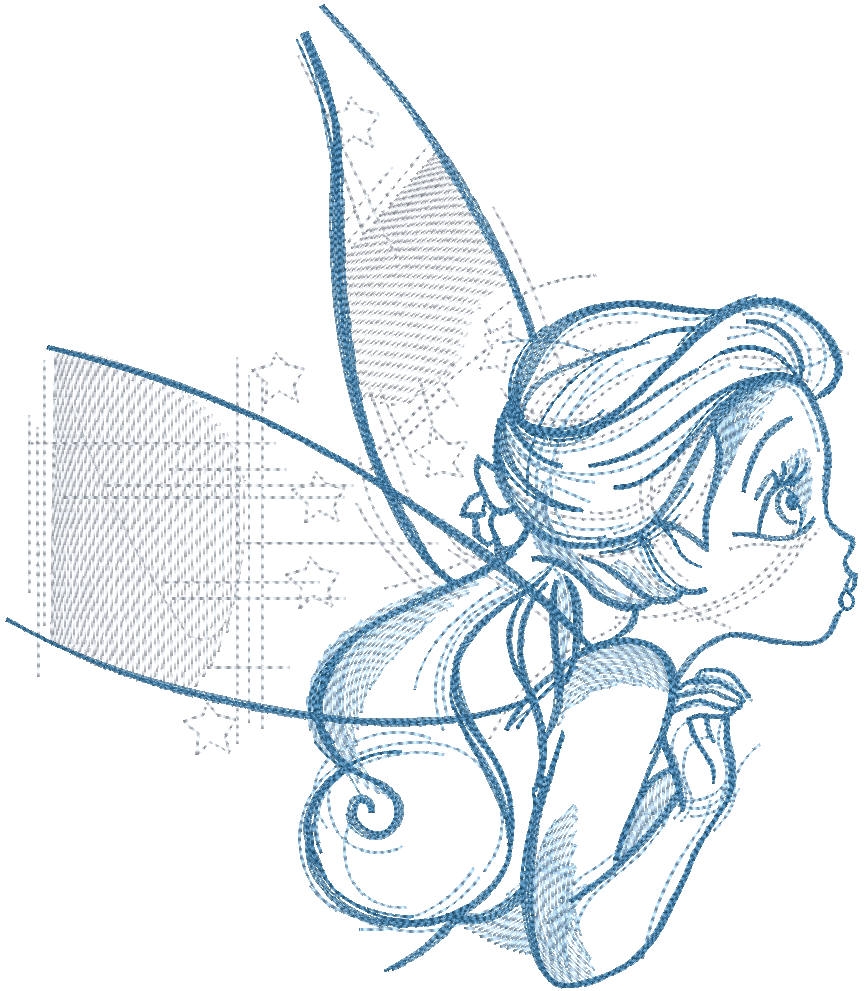
— Visible stitch texture adds depth
— Dark background + light threads = strong contrast
And most importantly:
👉 Don’t overload the design
Let it breathe
Why this is worth making yourself
You can buy a tote anywhere.
But making one changes how you relate to it.
It becomes:
✔ More valuable
✔ More personal
✔ More wearable
And honestly — it just feels better carrying something you made.
Final thought
In a world full of identical вещей, embroidered tote bags give you something rare — individuality without effort.
Simple base.
Strong detail.
Personal touch.
That’s the formula.



 4
4
 1
1
Join the conversation
You can post now and register later. If you have an account, sign in now to post with your account.