


Size 1: 2.82 x 3.91'
Size 2: 3.1 x 4.3'
Size 3: 3.39 x 4.7'
Size 4: 3.67 x 5.09'
Size 5: 3.895 x 5.49'
Size 6: 4.23 x 5.82'
Size 7: 4.52 x 6.27'
Size 8: 5.09 x 7.06'
Size 8: 5.65 x 7.85'
Size 9: 5.94 x 8.24'
Size 10: 6.22 x 8.24'
Size 11: 6.79 x 9.43'
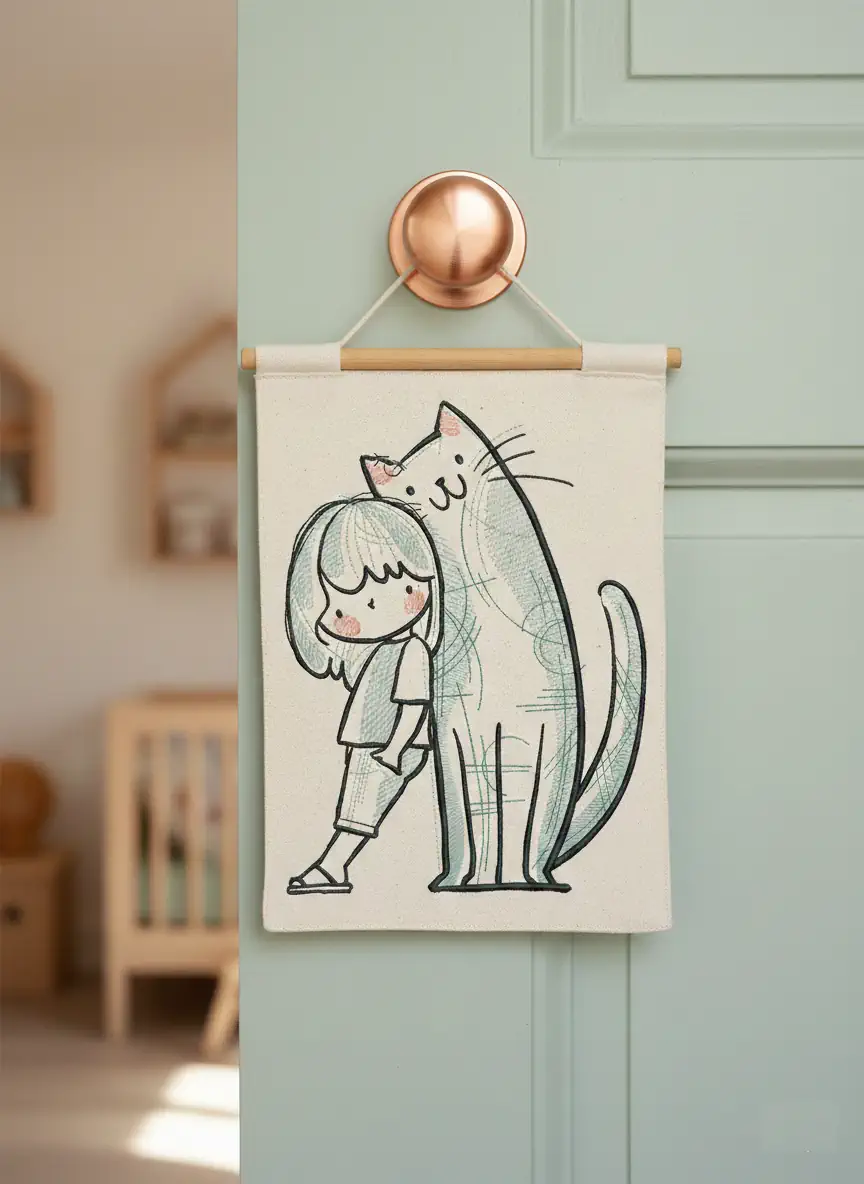
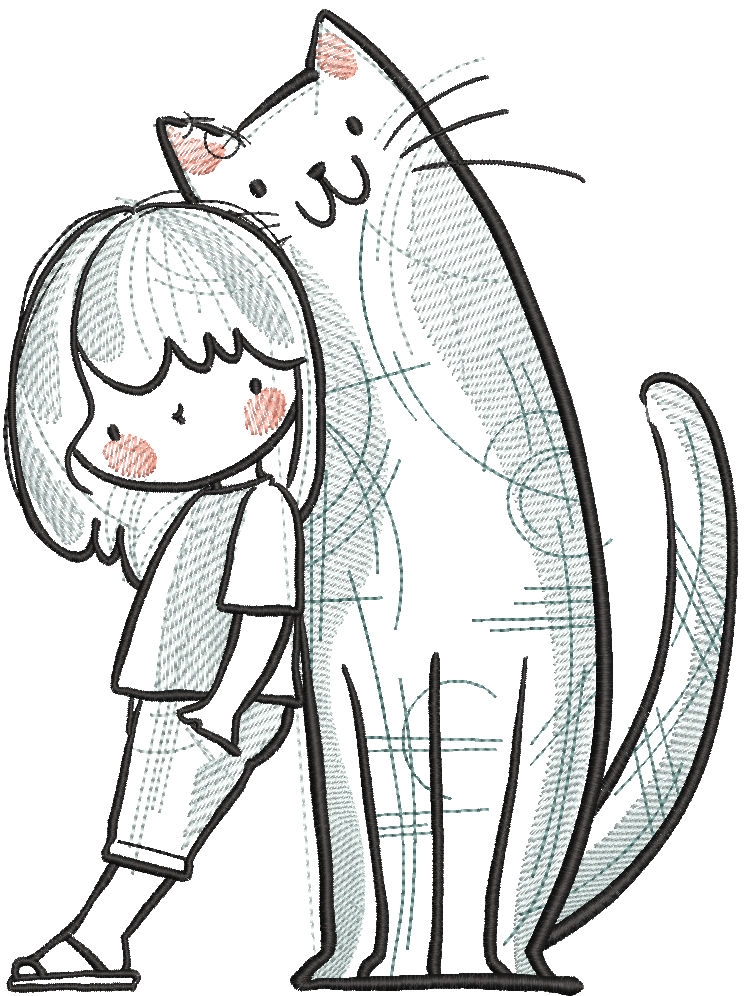
Me and My Big Cat Free Embroidery Design
Looking for a heartwarming and playful embroidery project? Me and My Big Cat Free Embroidery Design captures the special bond between a child and their beloved feline friend. This charming design brings warmth, love, and a touch of whimsy to any fabric surface.
Perfect for decorating T-shirts, baby bodysuits, tote bags, pillows, or nursery items, this embroidery design adds a cozy handmade feel to your creations. The expressive details and smooth stitch flow make it suitable for both beginners and experienced embroiderers.
Why You’ll Love This Design
🐾 Adorable and emotional artwork
🧵 Clean stitch structure for smooth embroidery
🎁 Ideal for gifts for cat lovers
🪡 Works beautifully on cotton, denim, fleece, and more
💖 Free download – easy to start your next project today
Creative Project Ideas
Use this design to create:
Cute children’s clothing
Decorative cushion covers
Personalized pet-themed accessories
Handmade gifts for birthdays or special occasions
Bring your embroidery machine to life with this sweet and memorable cat design — and let every stitch tell a story of friendship and love 🐱✨
-
 4
4
-
 2
2
Join the conversation
You can post now and register later. If you have an account, sign in now to post with your account.