

From Logo to Lifestyle: Embroidered Hoodie Design Guide

By diver361
- 428 views
- View diver361's images
Stylized Logo Hoodie Embroidery: Wear Your Work, Your Passion, Your Brand 🚜✨
A hoodie says a lot about a person — but a hoodie with a stylized logo embroidery says even more. It’s a badge of identity: farmers love their tractors, builders love their tools, and fans love their brands.
Stylized logos take familiar icons (like the legendary John Deere deer) and give them a creative edge — more artistic, more modern, more YOU 💪🎨
Here’s how to make embroidered hoodies with stylized logos that look bold, feel comfortable, and last season after season.
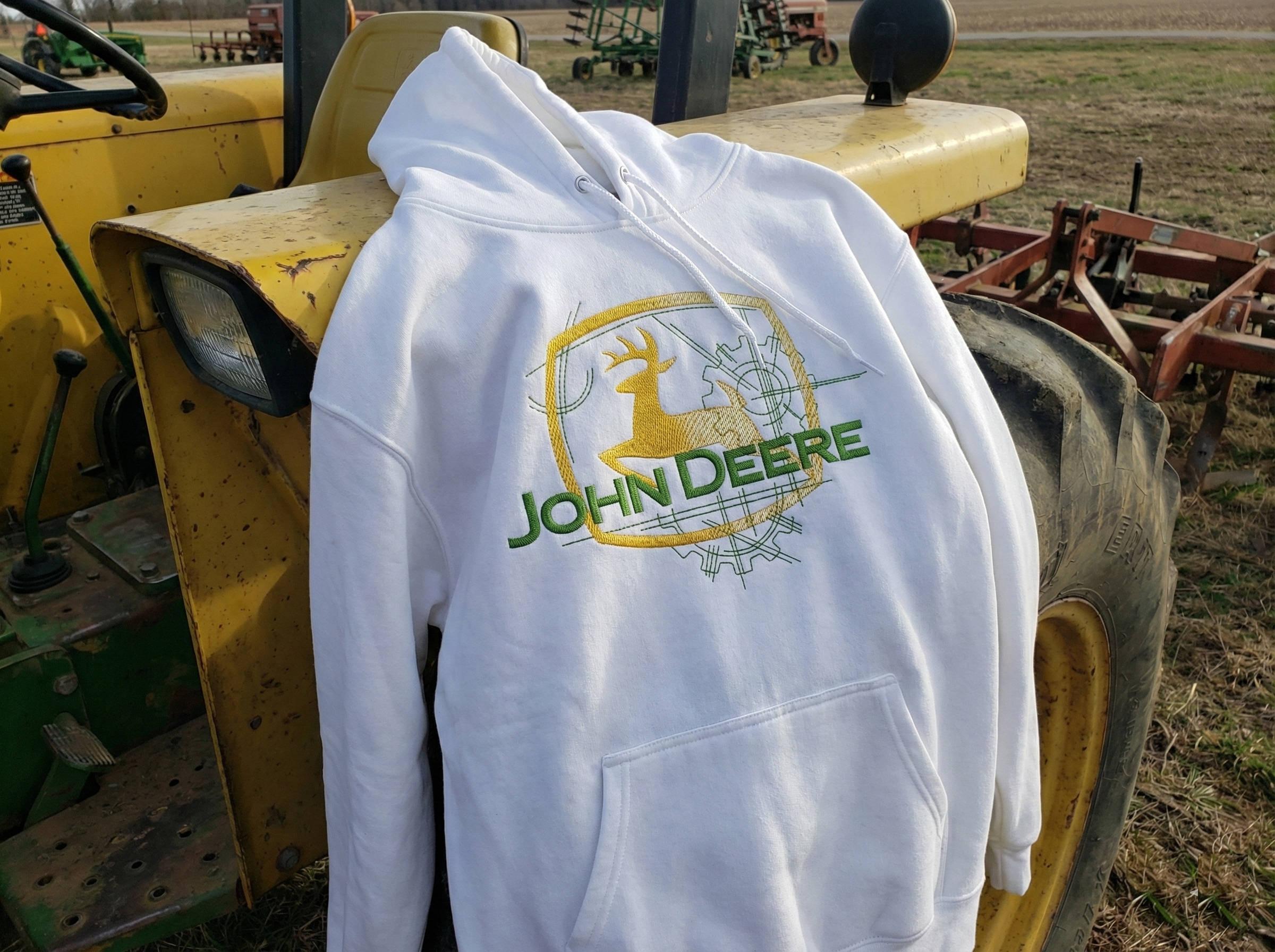
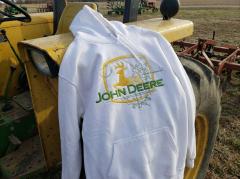
Example design 👉
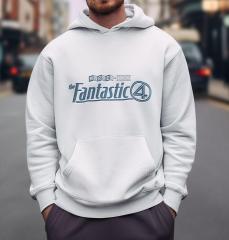
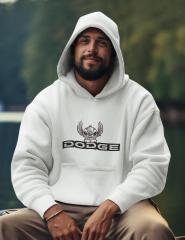
John Deer modern logo embroidery design
📍 Where Should You Place a Stylized Logo?
Visibility is everything when the design has strong branding energy.
Most popular placements:
Placement | Why It Works |
|---|---|
Center chest | Maximum attention, great for larger logos |
Left chest | Subtle but professional look |
Upper back | Adds strong presence for events/teams |
Sleeve | Perfect for additional graphics or text |
Avoid the belly area — the fabric stretches and folds when sitting or working.
DESIGNER TIP: Always position the logo above the pocket seam line. Kangaroo pockets can warp stitching and ruin clean geometry.
📏 How Big Should the Logo Be?
Stylized logos rely on bold lines and clear shapes — size matters!
Hoodie Size | Ideal Embroidery Width |
|---|---|
S–M | 18–22 cm (7–8.5") |
L–XL | 22–27 cm (8.5–10.5") |
XXL+ | Up to 30 cm (12") |
For left-chest mini logos: 8–11 cm (3–4.5")
⚙️ Technical Challenges When Embroidering Hoodies
Embroidery on hoodies must fight:
1️⃣ Stretch Fabric Problems
Hoodies are usually cotton knit or fleece — they stretch under the needle.
Solution:
Use cut-away stabilizer
Don’t over-tighten the hoop — avoid distortion
2️⃣ Lofty, Fleece-backed Material
Thick nap can swallow thin stitches.
Solution:
Use water-soluble topper
Increase stitch width slightly
3️⃣ Seam and Pocket Interference
Geometric shapes should look sharp — seams ruin precision.
Solution:
Carefully mark placement before hooping
Float the hoodie if seams are problematic
SELLER TIP: Stylized logo designs often include <em>fine line art</em>. Test-stitch every new hoodie brand — density settings can change dramatically!
🎨 Choosing the Perfect Hoodie for Embroidery
Look for hoodies that offer:
✔ Smooth fabric — not too textured
✔ Medium-to-heavy weight (280–350 gsm)
✔ Strong seams that can handle hooping
✔ Minimal branding on the chest
Avoid:
✘ Cheap poly-blends (cause puckering & shine)
✘ Very stretchy athletic hoodies — too unstable for precision logos
🔍 What We See in Market Analysis
Stylized logo hoodies trending online:
Represent lifestyle + occupation (farmers, mechanics, truckers)
Use brand-aligned colors (e.g., John Deere green & yellow)
Feature clean drawings over traditional solid fills — modern & sleek
Are placed in real outdoor settings in product photos = instant authenticity 🌾🚜
Retail pricing range:
$45–$120 depending on stitching size and garment quality 💵
💡 Bonus Idea: Offer Personalization
Add:
Name
Farm or business name
Favorite equipment model
This instantly boosts value and emotional connection.
DESIGNER NOTE: Stylized logos build a story — keep the artwork clean, confident, and recognizable at a distance.
🎯 Conclusion: Practical Workwear That Also Turns Heads
Stylized logo embroidery turns a hoodie into:
🔥 A personal badge
🔥 A conversation starter
🔥 A piece of lifestyle fashion
🔥 A product people proudly wear in public
When the logo is bold & meaningful, the hoodie becomes more than clothing —
it becomes identity stitched in thread 🧵💚
Recommended Comments
Join the conversation
You can post now and register later. If you have an account, sign in now to post with your account.