

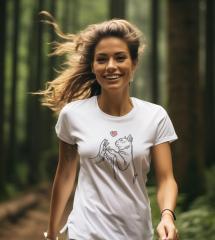
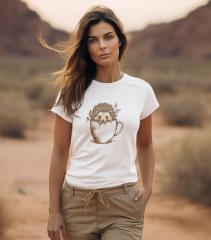
Black Sleeveless Tees with Embroidery: Fabric Becomes design

By diver361
- 331 views
- View diver361's images
Embroidery on Black T-Shirts: Let the Fabric Do the Magic 🖤✨
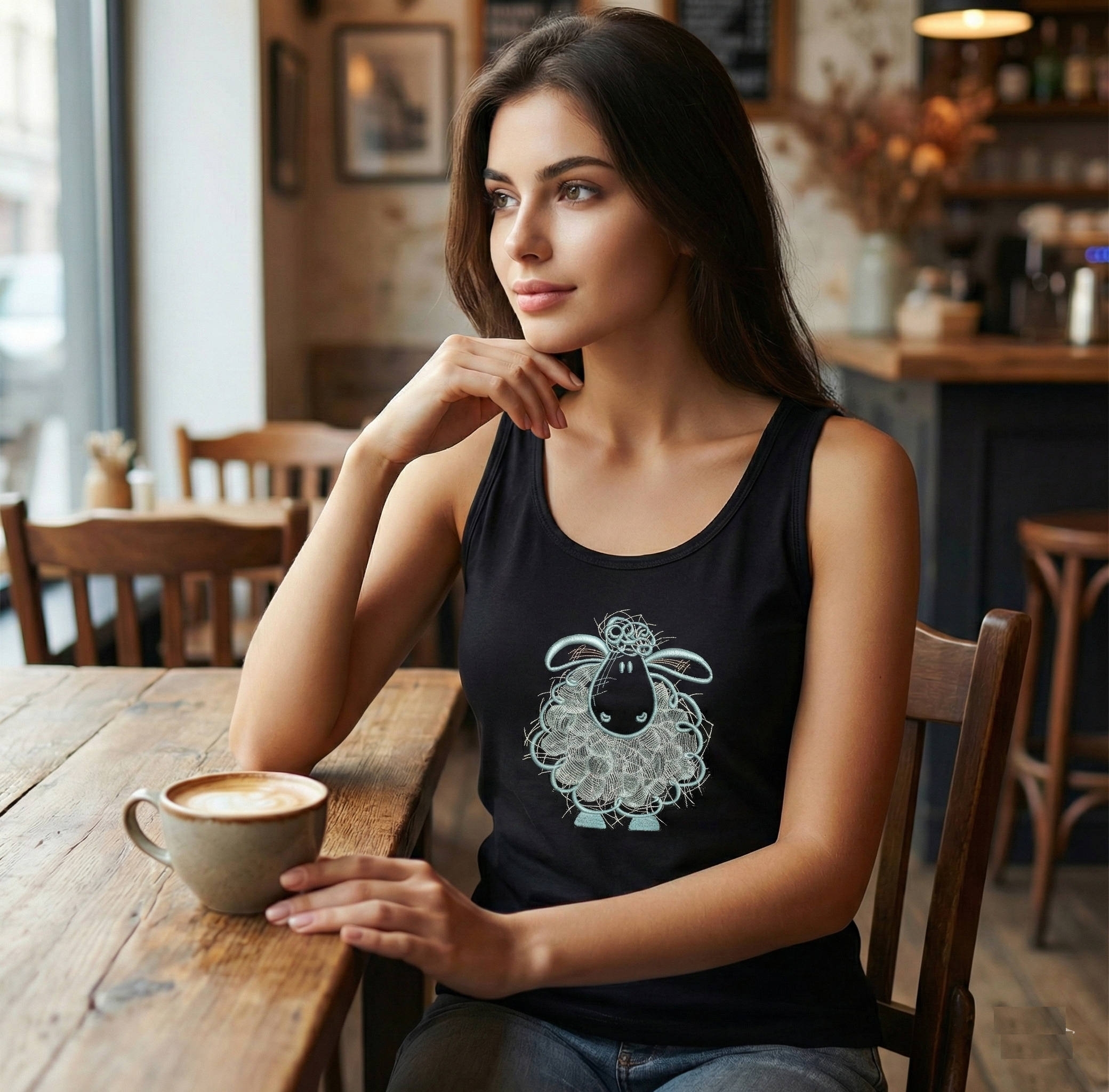
Black fabric isn’t just a background—it’s a design tool. When you stitch with the color of the garment (instead of fighting it), black becomes night, shadow, outline, and mood. On women’s sleeveless tops, this approach feels modern, flattering, and expressive—perfect for showing style and individuality with fewer stitches and more intention.
Inspired by the power of negative space seen across black T-shirt embroidery trends .
🌙 What Does “Using the Fabric Color” Mean?
It means designing for black from the start:
Leaving areas unstitched so black becomes shadow or shape
Using light threads to “draw” rather than fill
Letting the eye complete the picture
This approach is often called negative space embroidery—and it’s especially striking on black garments .
👗 Sleeveless Women’s Tops: Style That Flatters
Why sleeveless black tees work so well:
🖤 Black visually slims and elongates
✨ Sleeveless cuts highlight shoulders and arms
🎨 Small, well-placed embroidery keeps the look light
Best placements for comfort and shape:
Upper chest (slightly off-center)
Left chest / heart area
Near the shoulder line
Avoid heavy fills across the bust—movement and breathability matter.
📐 Choosing the Right Embroidery Size
On black sleeveless tops, restraint wins.
Recommended sizes:
Minimal icon: 5–7 cm
Small character/animal: 7–10 cm
Vertical sketch: 10–14 cm (keep it airy)
Bigger designs can work—but only if they rely on lines and open areas, not dense fills.
🎨 How to Choose a Design That Uses Black Well
Ask these questions before stitching:
Does the design read clearly with fewer stitches?
Are outlines strong enough without heavy fills?
Will black act as shadow or night?
Design styles that shine on black:
Sketch/line art
Sleeping animals & calm scenes
Minimal florals
Single-subject compositions
A lovely example that lets black do the work:
👉 Fluffy Sheep Free Embroidery Design
🧵 Threads & Fabrics: What Works Best?
Fabric & Material Comparison
Material | Pros | Cons |
|---|---|---|
Cotton jersey (black) | Soft, breathable, great contrast | Stretches—use mesh stabilizer |
Rib knit | Flattering fit, modern look | Needs careful hooping |
Modal blend | Smooth, premium drape | Slippery during embroidery |
Cotton canvas | Ultra-crisp stitches | Too stiff for sleeveless tops |
French terry | Casual chic | Heavier than tees |
Threads that pop on black:
White, ivory, cream
Soft pastels (lavender, mint)
Light gray/silver
Avoid very dark hues—they disappear.
🧠 Common Problems (and Simple Fixes)
Problem: Design looks flat
Fix: Increase contrast; simplify fills
Problem: Fabric puckers
Fix: Use no-show mesh + gentle hooping
Problem: Edges look uneven
Fix: Clean outlines; avoid tiny negative gaps
💬 Expert Callouts
Designer Tip 🧵
“If a stitch doesn’t add meaning, remove it. Black fabric rewards minimalism.”
Seller Insight 🛍️
“Small, airy designs on black tees sell best—customers love the premium feel.”
Production Tip 👕
“Digitize for black from scratch. Don’t just recolor a light-fabric design.”
🖤 Where You’ll See These Designs
Everyday streetwear
Yoga & lifestyle tops
Gift tees with personality
Capsule wardrobes that mix easily
Minimal stitches, maximum mood.
✨ Final Thoughts
Embroidery on black sleeveless tops is about confidence and clarity. When you let the fabric participate, designs feel lighter, garments feel more flattering, and your work looks intentional—not busy.
Recommended Comments
Join the conversation
You can post now and register later. If you have an account, sign in now to post with your account.