

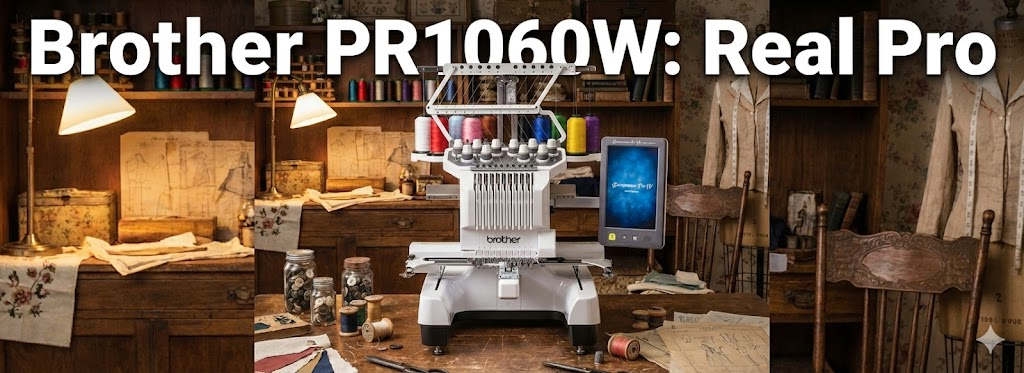
Unboxing the Brother PR1060W: Real Pro Embroidery Machine

By diver361 in Embroidery machine news
· 385 views
I just unboxed my new Brother PR1060W — and wow… here’s how it really feels
I’m going to be honest.
This is one of those purchases where you cut the tape, open the box… and immediately think:
“Yep. This is a serious machine.”
No marketing talk. Just real first impressions from someone who literally just plugged it in.
📦 Unboxing: this thing means business
The box is huge. Heavy. Solid.
Not “cute sewing machine” vibes — more like workshop energy.
When I pulled everything out, my first thought was:
“Okay… this is not a toy. This is a partner.”
Nothing feels flimsy. No rattling plastic. Everything feels tight, calm, confident.
🖥️ First power-on: surprisingly friendly
Here’s the funny part.
You expect a 10-needle machine to feel intimidating.
It doesn’t.
The screen is big, clear, and… human.
Menus make sense. Buttons are where your brain expects them to be.
Within minutes I was:
loading a design
checking colors
moving the placement
zooming in just because I could
No manual panic. No YouTube emergency.
🪡 Ten needles = mental peace
If you’ve ever stitched on a single-needle machine, you’ll understand this instantly.
No more:
stop
rethread
double-check
repeat forever
I loaded multiple colors, pressed start, and just… watched it work.
It feels like your brain suddenly gets extra RAM.
Logos, detailed art, gradients — you stop compromising.
📐 The embroidery area feels like freedom
This part hit me emotionally.
I didn’t think:
“Will this fit?”
I thought:
“How big do I want to go?”
Back designs. Big hoodie fronts. Wide compositions.
Less rehooping = fewer mistakes = less stress.
If you like using every inch of fabric, this is a game changer.
🎥 The camera feature = quiet confidence
This is one of those things you don’t fully appreciate until it saves you.
Precise placement.
Clear preview.
No guessing.
You stop holding your breath when you press “start”.
And honestly?
That alone is worth a lot.
⚡ Sound, speed, stability
It runs fast — but not aggressively.
More like… controlled power.
No scary shaking.
No “is this okay??” moments.
Just smooth, steady stitching.
It sounds like it knows what it’s doing.
🧵 Who this machine feels made for
After day one, here’s my honest take:
✔ people doing embroidery seriously
✔ small studios and businesses
✔ designers working with complex files
✔ anyone tired of fighting limitations
❌ casual once-a-month stitching
❌ tiny workspaces
❌ people who don’t want commitment (this machine expects respect 😄)
❤️ Final feeling (straight from the heart)
Standing there, watching it stitch, I thought:
“This is what leveling up feels like.”
Not louder.
Not flashier.
Just calmer, faster, more confident.
The Brother PR1060W doesn’t try to impress you —
it just quietly shows you what’s possible.
If you want, next I can:
share my first real project on it
compare it to older Brother models
talk about things I didn’t expect (good and bad)
Just tell me 🧵✨
Recommended Comments