

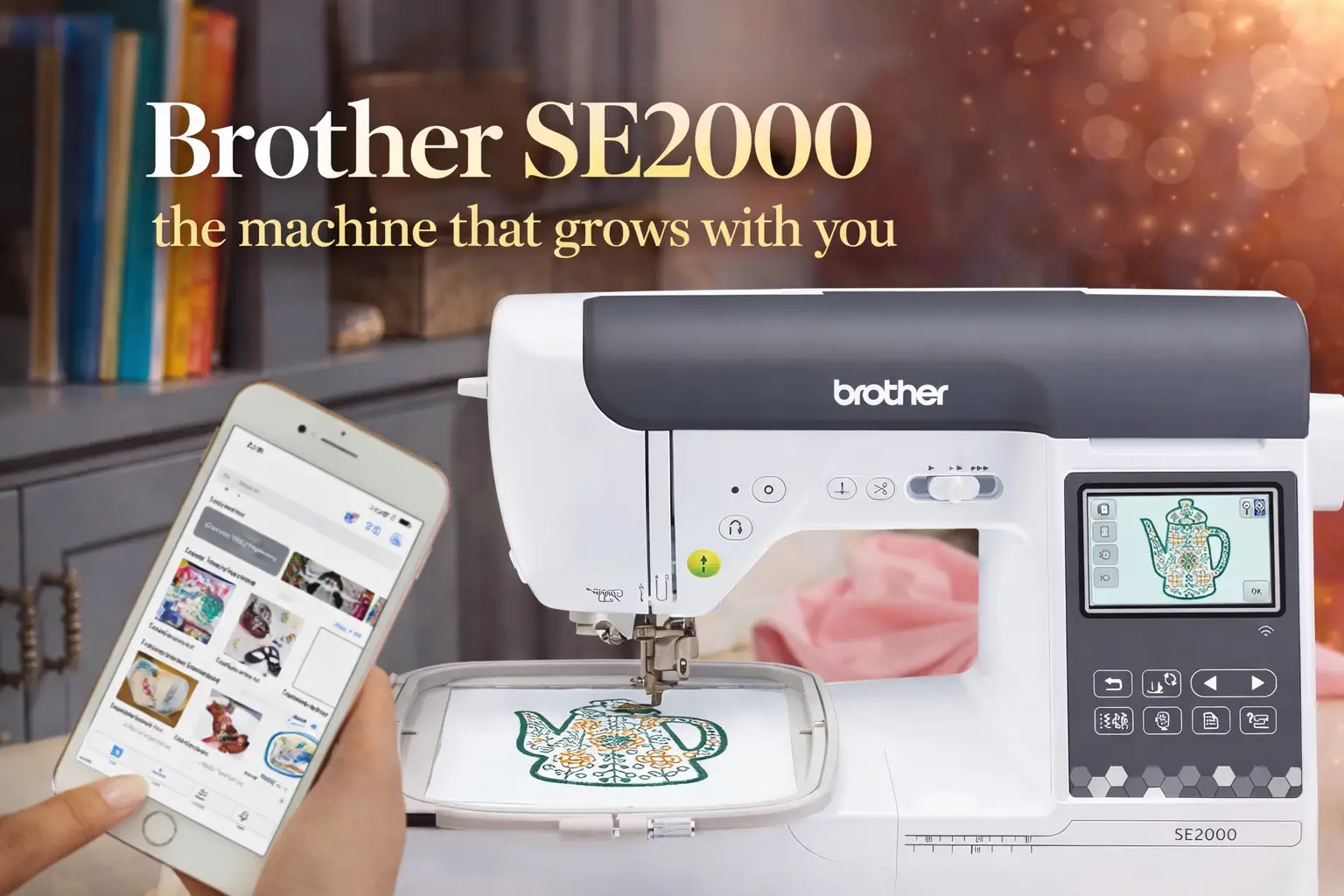
Brother SE2000: the machine that grows with you

By diver361 in Embroidery machine news
· 25 views
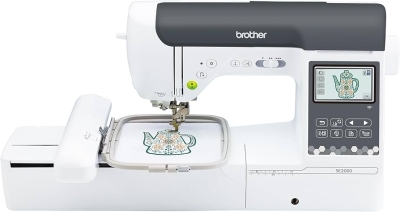
The SE2000 is the machine people buy when they want to "try embroidery" — and then discover they're still using it every day two years later. That's exactly what makes it interesting. 🧵
The SE2000 bridges the gap between entry-level and professional machines. It isn't the absolute top of the line, but it offers a huge amount of functionality that remains approachable. That position makes it the most frequently recommended machine in our embroidery community — and it's earned that reputation.
Whether you've never touched an embroidery machine or you're always chasing that next creative challenge, the SE2000 adapts. It's one of the rare machines where the more you use it, the more it gives back.
✅ Why experts recommend it
The SE2000 handles both sewing and embroidery — a genuinely versatile choice. 240 built-in sewing stitches for everyday garment work plus full embroidery capability in a single body. It saves both space and budget compared to buying two separate machines.
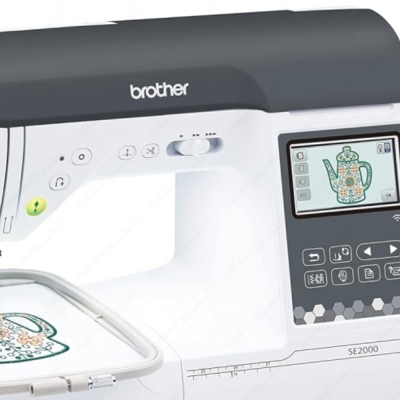
Wireless design transfer works elegantly — straight from your phone, no USB drives. The Artspira app lets you sketch designs with your finger on a tablet and send them instantly to the machine. No more fumbling with drives you're always losing.
Automatic jump stitch cutting is the key improvement over the SE1900. The machine trims the thread before jumping to the next section — you don't have to manually snip dozens of tails after each design. This saves 10–15 minutes per project, every single time.
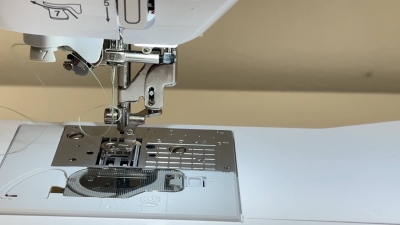
The automatic needle threader works reliably every time — a seemingly small detail that saves real frustration. Combined with the drop-in bobbin system, setup before each session takes under 2 minutes. For anyone who dreaded threading the old way, this alone is worth it.
The more you use the SE2000, the more confident and adventurous you become. It adapts to both complete beginners and experienced embroiderers. Thread tension, speed and needle position can all be dialled in precisely as your skills develop.
The machine runs beautifully with an extensive feature list: automatic needle threading, digital display with guidance, auto thread cutter. Users of all levels — including children — pick it up without major friction. That consistent rating isn't marketing; it's earned.
⚠️ What honestly frustrates users
The 5×7″ field suits monograms, towels and children's clothing. For banners, large panels or ambitious multi-element designs, you'll need to re-hoop. This is the single most common reason people upgrade after a year — plan around it now.
Some instructions are a little confusing for complete beginners, particularly around embroidery and appliqué. Totally solvable with 2–3 YouTube videos — but don't expect to unbox it and stitch perfectly in the first hour.
Why Brother doesn't include stabilizer with entry-level embroidery machines is a mystery — you can't embroider your first project without it. Budget for tear-away, cut-away and water-soluble topping before you start.
The app doesn't allow anything beyond basic sketching and is in no way a replacement for proper embroidery digitizing or editing software. For serious design work, you'll need a separate editor — plan for that additional cost.
📊 SE2000 vs PR1060W — quick comparison
🎯 Who is the SE2000 for?
Buy it if you:
Are just starting or upgrading from a basic machine · Want sewing AND embroidery in one · Make monograms, patches, personalised gifts · Budget under $700
Consider something else if:
You need designs larger than 5×7″ · Planning multi-colour designs without stops · Want to monetise embroidery · Already experienced and want to scale fast
🏁 Final verdict
This is not a competition. The PR1060W and SE2000 answer different questions.
If the question is: "How do I stitch fast, in colour, in batches, without stopping?" — the answer is the PR1060W. If the question is: "How do I start, grow, and have a machine that won't let me down in a year?" — the answer is the SE2000. Both answers are right. You just need to be honest about which question you're actually asking.
Which machine do you use? Tell us in the comments! 🧵
Recommended Comments