

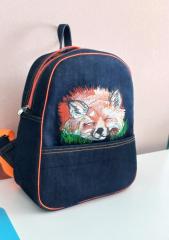
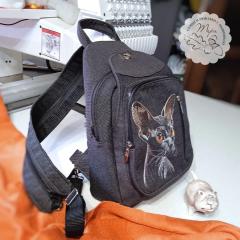
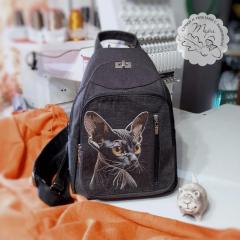
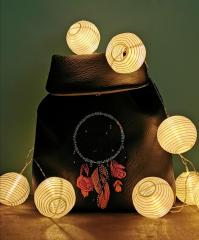
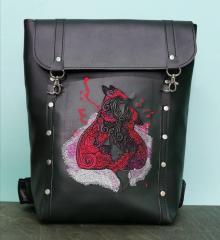
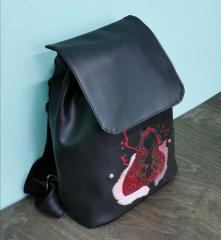
🧵 Stitch Your Style: Trendy Embroidered Backpacks

By diver361
- 652 views
- View diver361's images
🎒 Embroidered Backpacks Are Back in Style – Make Yours Stand Out with Cute & Creative Designs! ✨🧸
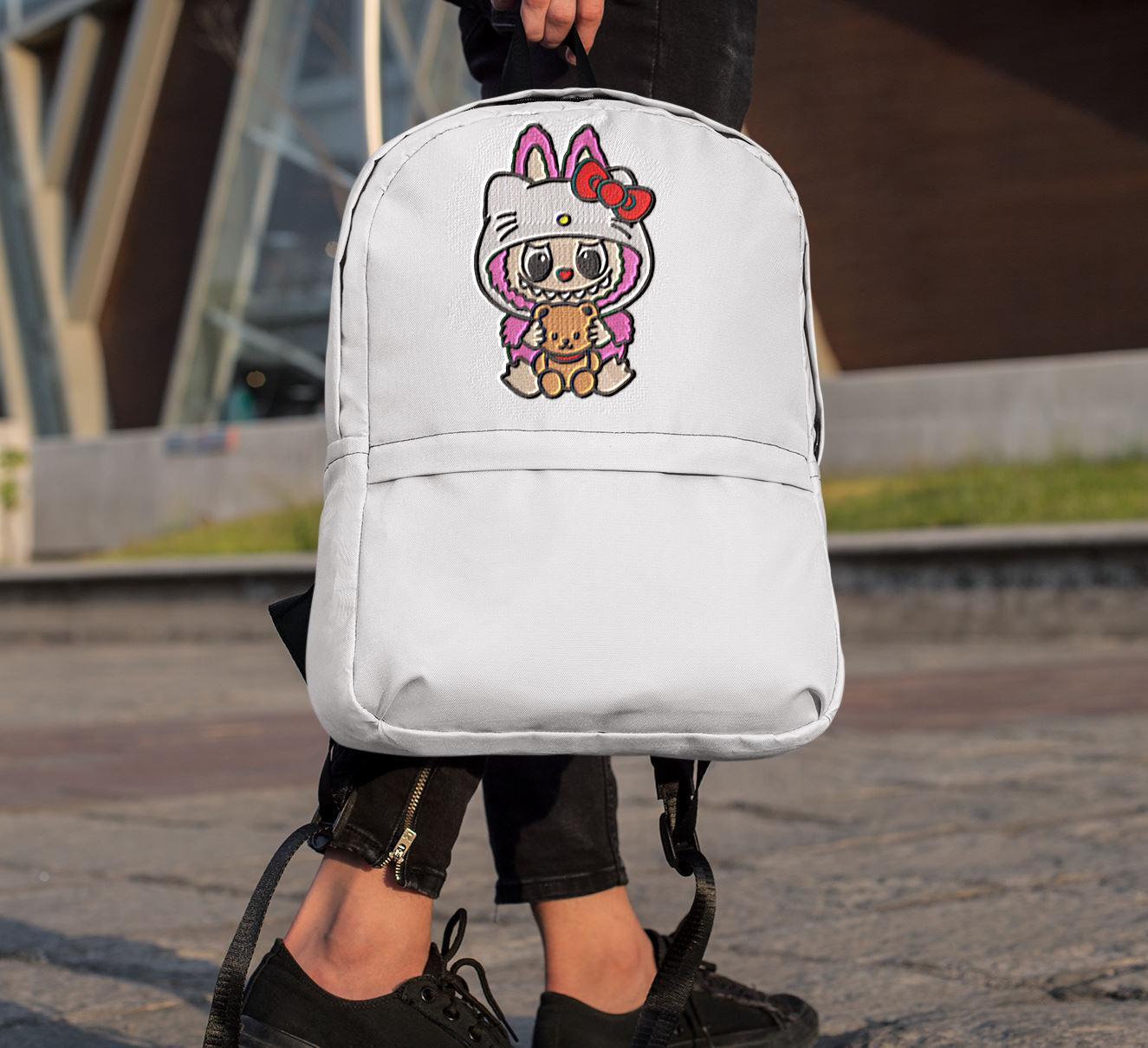
Looking for a stylish way to personalize your everyday gear? Backpacks with machine embroidery are one of the biggest accessory trends of 2025 – and designs like the adorable Labubu with teddy bear embroidery design are stealing the spotlight. 💥
Let’s dive into why embroidered backpacks are a must-have, how to choose the right one, and pro tips for makers!
🌟 Why Embroidered Backpacks Are a 2025 Fashion Must-Have
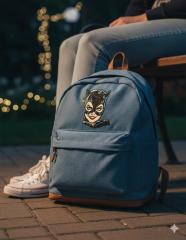
Backpacks aren’t just for school anymore – they’re a blank canvas for self-expression! This year’s embroidery trends include:
🎨 Whimsical character art (like Labubu & teddy bears)
🧢 Pop culture meets soft goth & cottagecore
💼 Custom pieces for gifting or selling online
🌈 Bold colors and cute creatures
These designs add fun, charm, and personality to even the most basic backpack.
🧵 Tips for Embroidery Creators: How to Nail the Backpack Game
If you're crafting backpacks with embroidery for your shop, follow these essential tips:
🔹 Choose the right placement: Embroider on flat surfaces like the top flap, front pocket, or back panel.
🔹 Stabilize like a pro: Use firm cut-away stabilizers to support the fabric and prevent distortion.
🔹 Watch your size: Don’t go too large or close to seams/edges. Keep designs proportional to the bag.
🔹 Use tough threads: Backpacks get daily use—choose high-quality polyester embroidery threads.
💡 Pro Tip: Offer personalization like names or initials for extra value!
🎒 Choosing the Right Backpack for Embroidery
Not all backpacks are embroidery-friendly! Here’s what to look for:
✅ Minimal seams or padding in embroidery zones
✅ Durable, non-stretch fabric (canvas, twill, faux leather)
✅ Removable linings or easy-access zippers for hooping
✅ Solid color backgrounds for vibrant design contrast
Avoid slouchy or ultra-padded styles—they’re tough to hoop and stitch cleanly.
🐻 Design Spotlight: Labubu with Teddy Bear Embroidery
Sweet, nostalgic, and irresistibly cute – the Labubu with teddy bear embroidery design brings childhood charm to any backpack. Pair this character with:
🌸 Pastel pink, beige, or cream-colored bags
🧸 Teddy bear keychains or matching patches
🎀 Coordinated accessories for a kawaii collection
It's perfect for kids, teens, and anyone who loves soft whimsical aesthetics.
📈 Trending in 2025: Backpack Embroidery Ideas
Top design themes taking over embroidery studios this year:
Vintage cartoon & plush toy motifs 🧸
Celestial and dreamy elements 🌙🌟
Funky fonts and custom name tags 🔤
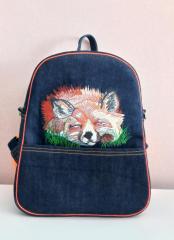
Animal-inspired embroidery 🐾
Cottagecore meets techwear mashups 🏕️💻
🎨 Final Thoughts: Create & Carry With Style
Backpacks are the perfect blend of function and fashion, and machine embroidery makes them unforgettable. Whether you’re making them for yourself, as gifts, or to sell online—don’t be afraid to mix cute with bold, fun with functional. 🧵💼
Let your stitches tell a story and make every bag unique!
Recommended Comments
Join the conversation
You can post now and register later. If you have an account, sign in now to post with your account.