

Fantasy Lovers’ Hoodies – Timeless Trends & The Art Design

By diver361
- 600 views
- View diver361's images
🧙♂️ Fantasy Lovers’ Hoodies – Timeless Trends & The Art of Hoodie Embroidery
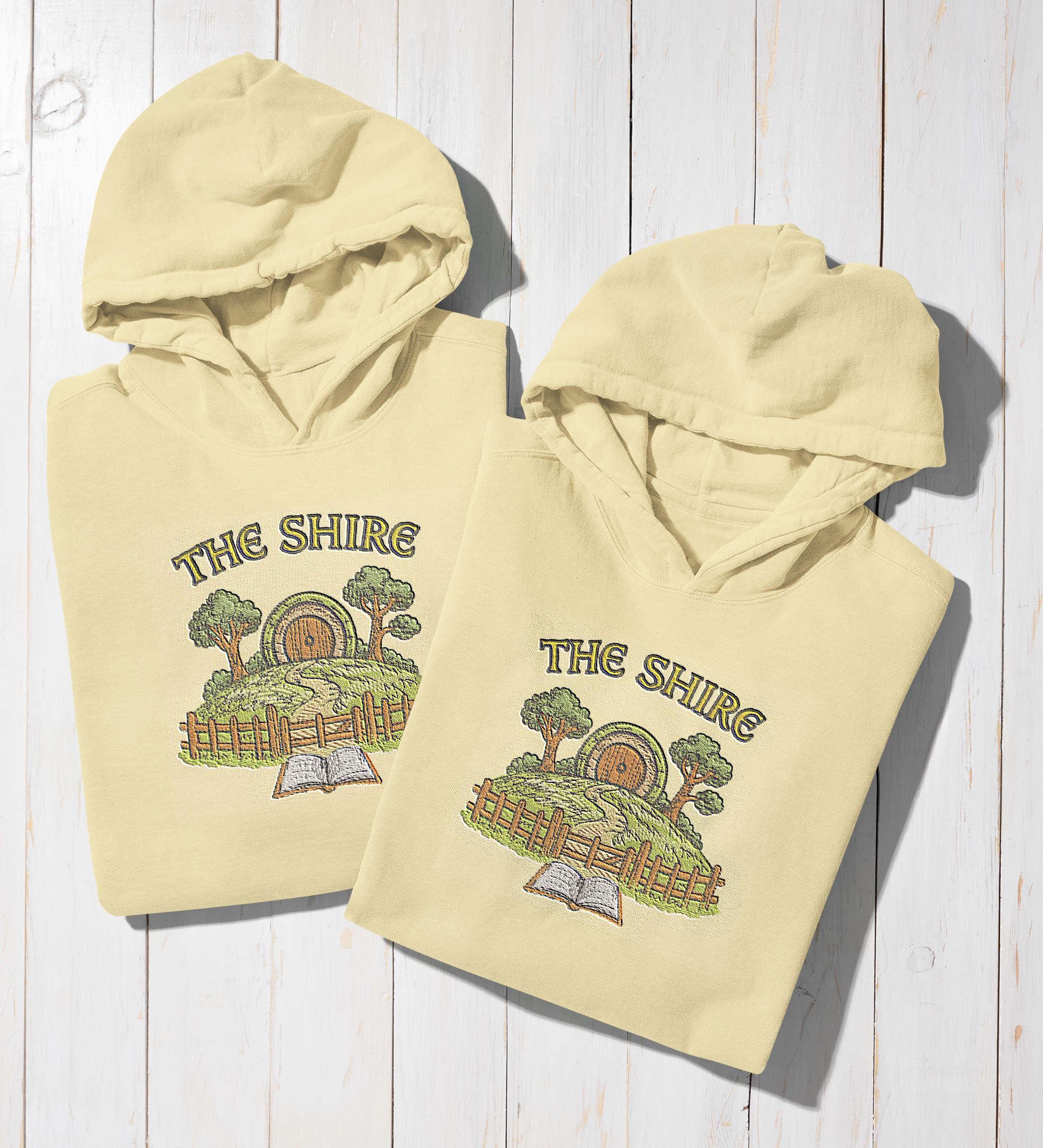
For fans of fantasy worlds, few garments feel as personal and stylish as a hoodie adorned with embroidery inspired by beloved stories. Designs like The Shire Hobbit home embroidery design 🏡 bring to life the charm of rolling hills, round doors, and lush greenery – allowing you to wear your favorite universe wherever you go.
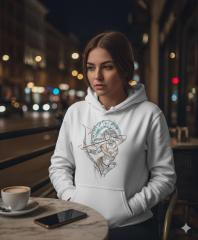
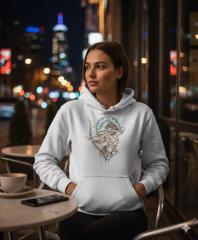
Whether you’re wandering the city 🚶♀️, attending a fantasy convention 🏰, or simply enjoying a quiet evening with a book 📖, an embroidered hoodie offers both comfort and a unique expression of fandom.
✨ Popular & Timeless Trends in Fantasy Hoodies
Fantasy-themed hoodies have remained popular for decades ⏳. They combine the practicality of casual wear with the storytelling power of intricate designs. From dragons 🐉 and castles 🏯 to detailed depictions of magical realms, embroidery adds depth, texture, and a hand-crafted feel that printed designs often can’t match.
The Shire embroidery is a perfect example – it’s not just a logo or image, but a miniature work of art stitched directly into the fabric. 🪡
⚙️ Challenges of Embroidering on Hoodies
Embroidering on hoodies can be more complex than working with T-shirts 👕 or caps 🧢. The thicker, more elastic fabric of fleece and cotton blends can stretch, shift, or bunch during stitching, making precision essential.
Additionally, large designs like The Shire with its trees 🌳, hills, and tiny fence require a careful balance between thread density and garment flexibility.
💡 Professional Tips for Hoodie Embroidery
🪡 Use the right stabilizer: A medium to heavy cut-away stabilizer will keep your design crisp, even after many washes.
🔄 Mind the fabric stretch: Hoop the hoodie with minimal tension to avoid distortion when unhooping.
🧵 Choose the right needle: A sharp-point embroidery needle size 75/11 or 80/12 is ideal for piercing thicker knits cleanly.
📏 Adjust the design density: Avoid overly tight stitch patterns – they can cause puckering on thicker fabrics.
✅ Test before the final stitch: Always embroider on a fabric scrap or an inconspicuous area first.
🧵 Comparing Hoodie Materials for Embroidery
Material | ✅ Pros | ⚠️ Cons | ⭐ Best For |
|---|---|---|---|
100% Cotton | Soft, breathable, easy to embroider | Shrinks if not pre-shrunk, can fade faster | Everyday wear with a natural feel 🌿 |
Cotton-Poly Blend | Durable, resists shrinking, holds color | Slightly less breathable | Balanced option for daily use ⚖️ |
Fleece-lined | Warm, cozy, great for winter | Can be bulky under the needle | Cold-weather fantasy apparel ❄️ |
Heavyweight Knit | Holds embroidery shape well | Less stretchy comfort | Premium, long-lasting hoodies 💎 |
🌟 Final Thoughts
A fantasy-themed embroidered hoodie isn’t just clothing – it’s a wearable piece of art 🎨. Designs like The Shire Hobbit Home capture the heart of a story 💖 and carry it into everyday life. With the right materials, techniques, and a touch of creativity ✂️, you can make sure your hoodie looks magical ✨ for years to come.
Recommended Comments
Join the conversation
You can post now and register later. If you have an account, sign in now to post with your account.