

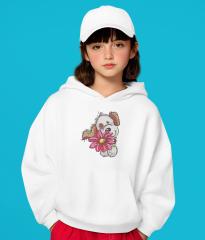
🐾 Nature-Inspired Embroidered Hoodies: Wildlife & Travel

By diver361
- 342 views
- View diver361's images
🐻🌍 Authentic Embroidered Apparel: Animals, Wildlife & Travel Spirit
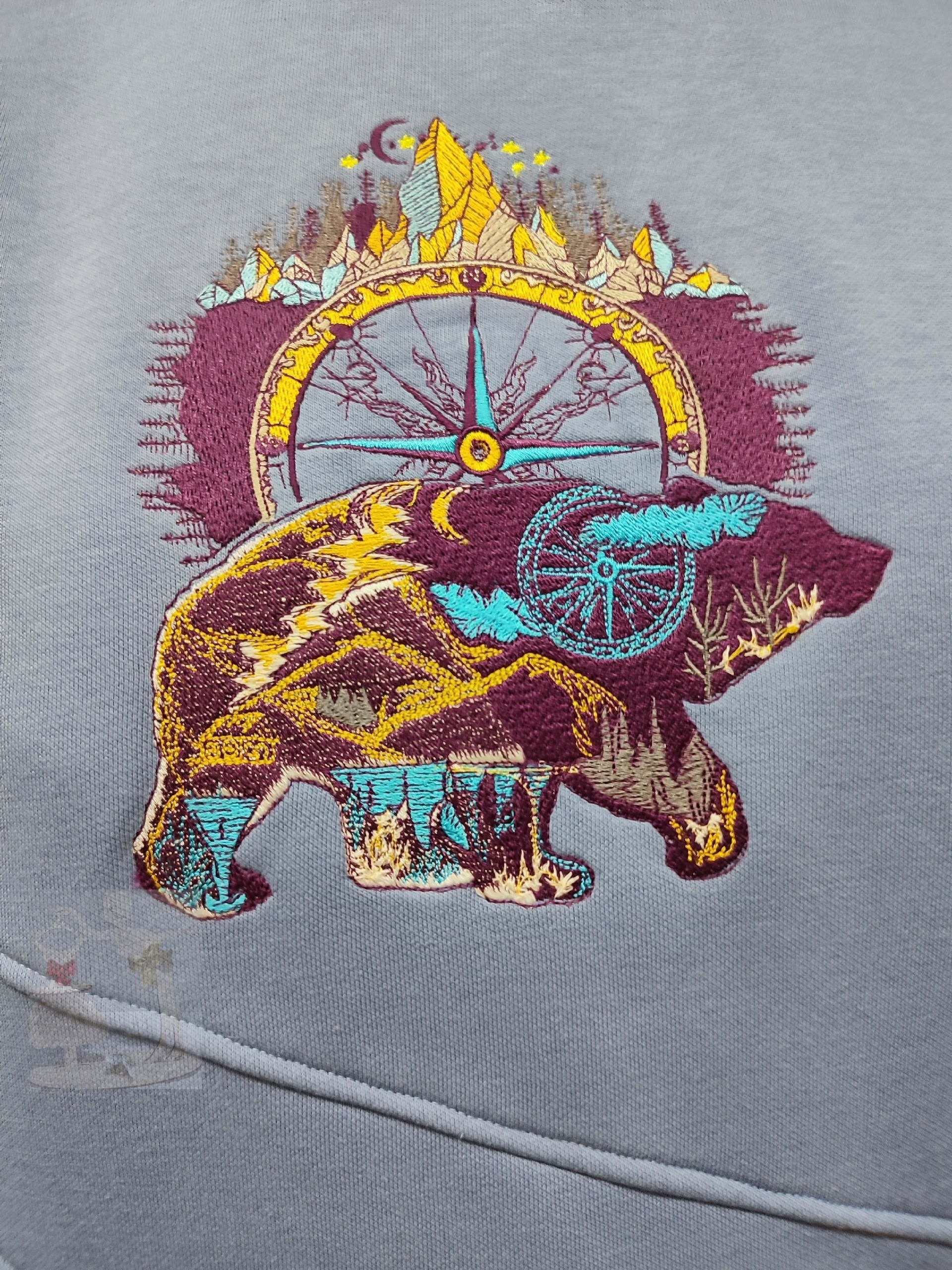
Creating authentic embroidered hoodies inspired by animals, wildlife, and travel is more than decoration — it’s storytelling in stitches. A wild bear, mountain paths, forests, or roaming animals instantly evoke freedom, strength, and adventure. These designs feel timeless, emotional, and deeply connected to nature 🌲✨
👉 Featured design for this project:
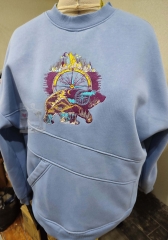
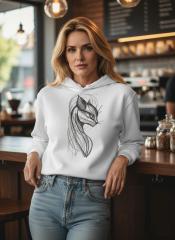
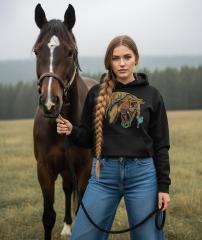
Wild bear embroidery design
🧵 Step-by-Step: How to Create an Embroidered Hoodie
1️⃣ Choose the Concept & Placement 🎒
Popular placements for wildlife symbolism:
🐾 Center chest – iconic, bold statement
🧭 Left chest – minimal, lifestyle look
🌲 Back panel – story-driven, outdoor style
🐻 Sleeve – subtle, modern accent
💡 Bear designs work especially well on the chest or back for visual impact.
2️⃣ Fabric Selection for Hoodies 👕
Choosing the right hoodie fabric is critical for clean embroidery.
Fabric Type | Pros | Cons |
|---|---|---|
Cotton fleece | Stable, easy to embroider | Can shrink |
Cotton/poly blend | Less shrinkage, durable | Slightly synthetic feel |
French terry | Modern look, lighter | Needs good stabilization |
Heavy fleece (300+ gsm) | Premium feel, perfect for bold designs | Requires strong stabilizer |
✔️ Best choice: Cotton or cotton-blend fleece, medium to heavy weight.
3️⃣ Stabilizer Comparison (Very Important!) 🧷
Stabilizer Type | Best For | Notes |
|---|---|---|
Cut-away | Dense wildlife designs | Most stable, pro choice |
Tear-away | Light line art | Not ideal for heavy fills |
Poly mesh cut-away | Stretchy hoodies | Soft, no show-through |
Fusible cut-away | Premium finish | Adds extra stability |
🎯 Pro recommendation:
👉 Poly mesh cut-away + fusible backing for hoodies with animal embroidery.
4️⃣ Hoop Size & Embroidery Settings 🪡
Recommended hoop sizes:
10×10 cm (4×4") – small chest or sleeve
13×18 cm (5×7") – most common chest size
16×26 cm (6×10") – large wildlife artwork
20×30 cm (8×12") – back or oversized designs
🐻 The Wild Bear design looks best in 5×7 or larger hoops to preserve detail.
5️⃣ Embroidery Process 🔧
Lightly fuse stabilizer to hoodie area
Float or hoop carefully (avoid stretching!)
Use 75/11 or 80/12 embroidery needle
Polyester embroidery thread for durability
Reduce speed slightly for thick fabrics
✨ Always test stitch on a scrap hoodie first!
💬 Pro Tips from Embroidery Professionals 🧠
🐾 “Wildlife designs need room to breathe. Don’t oversize on small hoops.”
— Outdoor apparel embroidery specialist
🧵 “Poly mesh stabilizer is a game-changer for hoodies — soft inside, stable outside.”
— Commercial embroidery technician
🎒 “Travel-themed embroidery works best when it feels worn-in, not flashy.”
— Lifestyle brand designer
🌲 “Neutral hoodie colors make animal embroidery feel timeless.”
— Textile stylist
🎨 Color & Style Inspiration 🌍
Best hoodie colors for wildlife themes:
Forest green 🌲
Stone gray 🪨
Sand beige 🏜️
Deep navy 🌌
Washed black 🖤
🎒 Style vibe:
Outdoor / adventure
Nature-inspired lifestyle
Ethical & slow fashion
Travel storytelling apparel
🧡 Final Thought
Embroidered hoodies with animal, wildlife, and travel symbolism aren’t trends — they’re statements. A powerful design like the Wild Bear embroidery transforms a simple hoodie into a story of strength, freedom, and connection to nature 🐻🌍
Perfect for:
✔ Handmade brands
✔ Outdoor & travel lovers
✔ Authentic, meaningful fashion
Recommended Comments
Join the conversation
You can post now and register later. If you have an account, sign in now to post with your account.