

🧸🐾 Animal-Inspired Embroidered Bags for Newborn Essentials

By diver361
- 239 views
- View diver361's images
🐾🎒 Embroidered Mini Backpacks & Bags for Baby Essentials
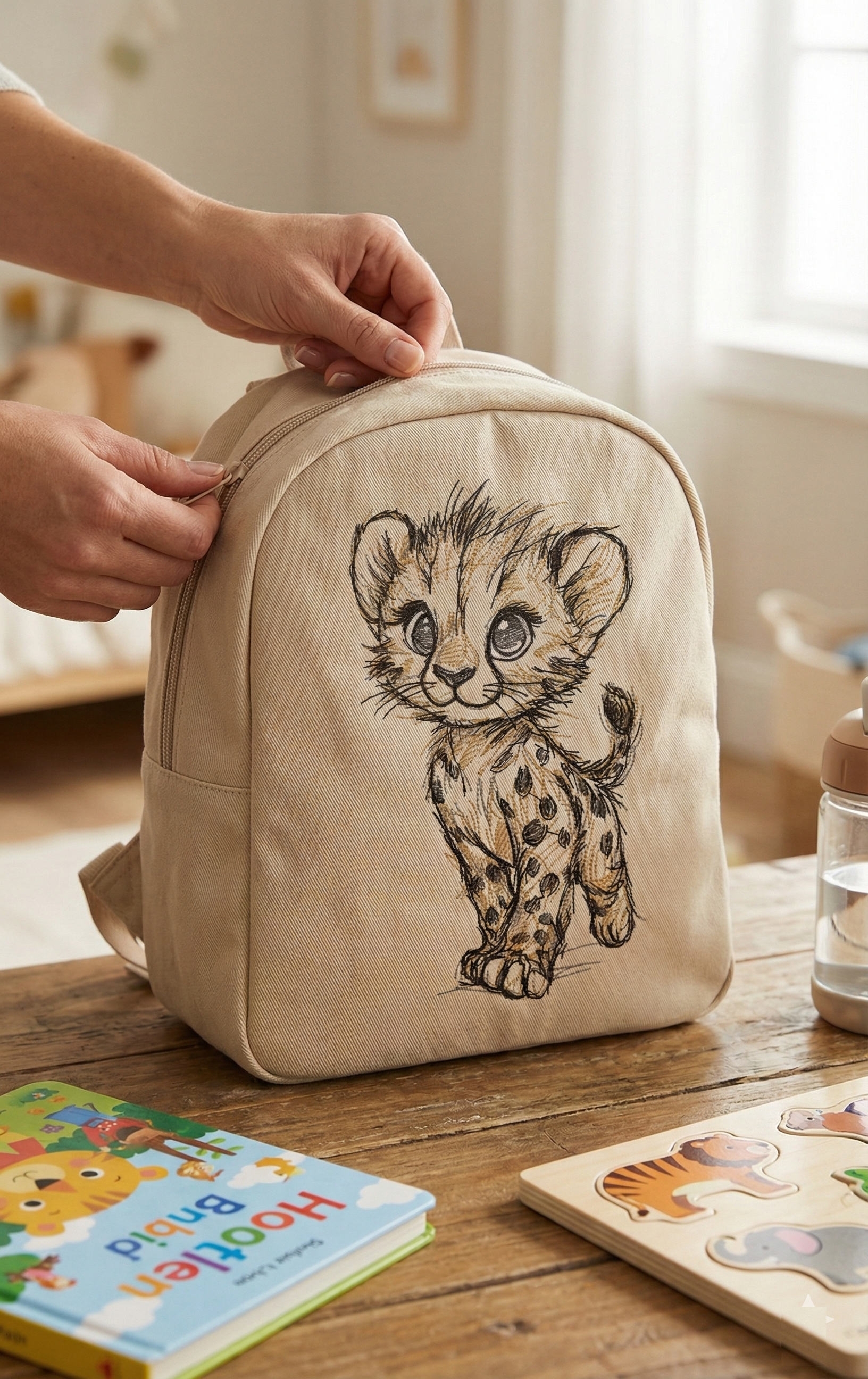
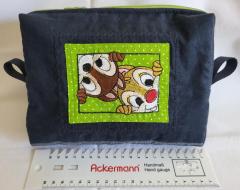
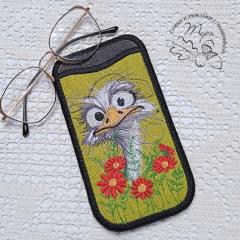
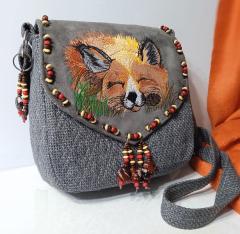
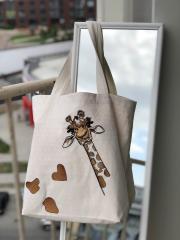
Creating small backpacks and soft bags for newborns and babies with animal symbolism is a beautiful way to combine practicality, safety, and emotional design. Gentle wildlife characters — like baby jaguars, cubs, or forest animals — create a feeling of care, warmth, and protection 🍼🌿
These items are designed for parents, but they visually speak to a child’s world.
👉 Featured embroidery design for this type of project:
Walking jaguar cub sketch embroidery design
📐 Recommended Sizes for Baby & Nursery Bags
For newborn and baby essentials, compact and lightweight formats work best.
Common finished sizes:
🎒 Mini backpack: 20–25 cm height × 18–22 cm width
👜 Soft pouch / zip bag: 15–20 cm × 12–15 cm
🧸 Nursery organizer bag: 25–30 cm × 20 cm
✔ Enough space for diapers, wipes, pacifier, spare clothes — without bulk.
🧵 Best Materials for Baby Bags (Safe & Soft)
Material | Why It Works |
|---|---|
Cotton canvas | Durable, breathable, easy to embroider |
Twill cotton | Soft touch, perfect for sketch designs |
Linen blends | Natural look, premium feel |
Quilted cotton | Extra softness and structure |
Organic cotton lining | Skin-safe and washable |
🍼 Important: Avoid rough synthetics and stiff interfacings.
🐆 Choosing the Right Embroidery Design
Animal embroidery for newborn accessories should be:
✏️ Sketch-style or line art (soft and friendly)
🐾 Rounded shapes, no aggressive poses
🎨 Neutral or warm colors (brown, sand, beige, soft gray)
⚖️ Medium contrast — visible but not harsh
The walking jaguar cub sketch works perfectly because it feels gentle, curious, and protective rather than wild.
🪡 Embroidery Size & Hoop Tips
Ideal embroidery sizes:
Front panel: 10–14 cm (4–5.5")
Pouches: 8–10 cm (3–4")
Hoop sizes (no disassembly needed):
✅ 4×4" (10×10 cm) — safest choice
✅ 5×7" (13×18 cm) — larger backpacks
💡 Use cut-away or poly-mesh stabilizer for clean lines.
🔧 Step-by-Step: How These Bags Are Made
1️⃣ Embroider the design on the flat fabric panel
2️⃣ Stabilize and trim embroidery
3️⃣ Assemble outer fabric pieces
4️⃣ Add soft batting (optional)
5️⃣ Sew lining separately
6️⃣ Insert zipper or flap closure
7️⃣ Attach straps or handles
8️⃣ Final topstitching for durability
🧵 Always embroider before assembling the bag.
💬 Expert & Designer Tips (Callouts)
🧸 “Baby accessories should feel calm — embroidery must never overwhelm.”
— Children’s textile designer
🐾 “Sketch animals are emotionally safer than bold fills for newborn items.”
— Nursery product stylist
🎒 “Small bags are for parents, but design them as keepsakes.”
— Handmade baby brand owner
🧵 “Always test embroidery softness on the inside.”
— Professional embroidery technician
🌿 Where These Bags Are Used
✨ Nursery storage
✨ Baby stroller essentials
✨ First daycare bag
✨ Baby shower gifts 🎁
✨ Keepsake memory items
They grow with the child — from newborn care to toddler adventures 🐾💛
🧡 Final Thought
Embroidered baby backpacks and bags with animal symbolism create more than storage — they become emotional objects, tied to early memories, care, and warmth.
A design like the walking jaguar cub sketch brings gentleness, curiosity, and protection into every stitch 🐆🍼
Recommended Comments
Join the conversation
You can post now and register later. If you have an account, sign in now to post with your account.