


🧺✨ Embroidered Curtains for Open Kitchen Shelves

By diver361
- 393 views
- View diver361's images
🍽️🪟 Embroidered Kitchen Curtains for Open Shelves
Beauty, Order & Personality in Every Stitch ✨
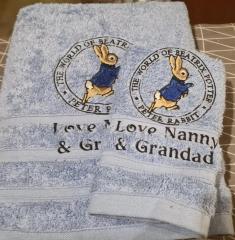
Embroidered kitchen shelf curtains (often called café curtains or shelf drapes) are a charming and practical solution for open shelving. They gently hide dishes, jars, and kitchen accessories while adding warmth, texture, and personality to the space 🌿🏡
Unlike cabinet doors, fabric curtains keep the kitchen light, cozy, and expressive.
👉 Featured embroidery design for this type of decor:
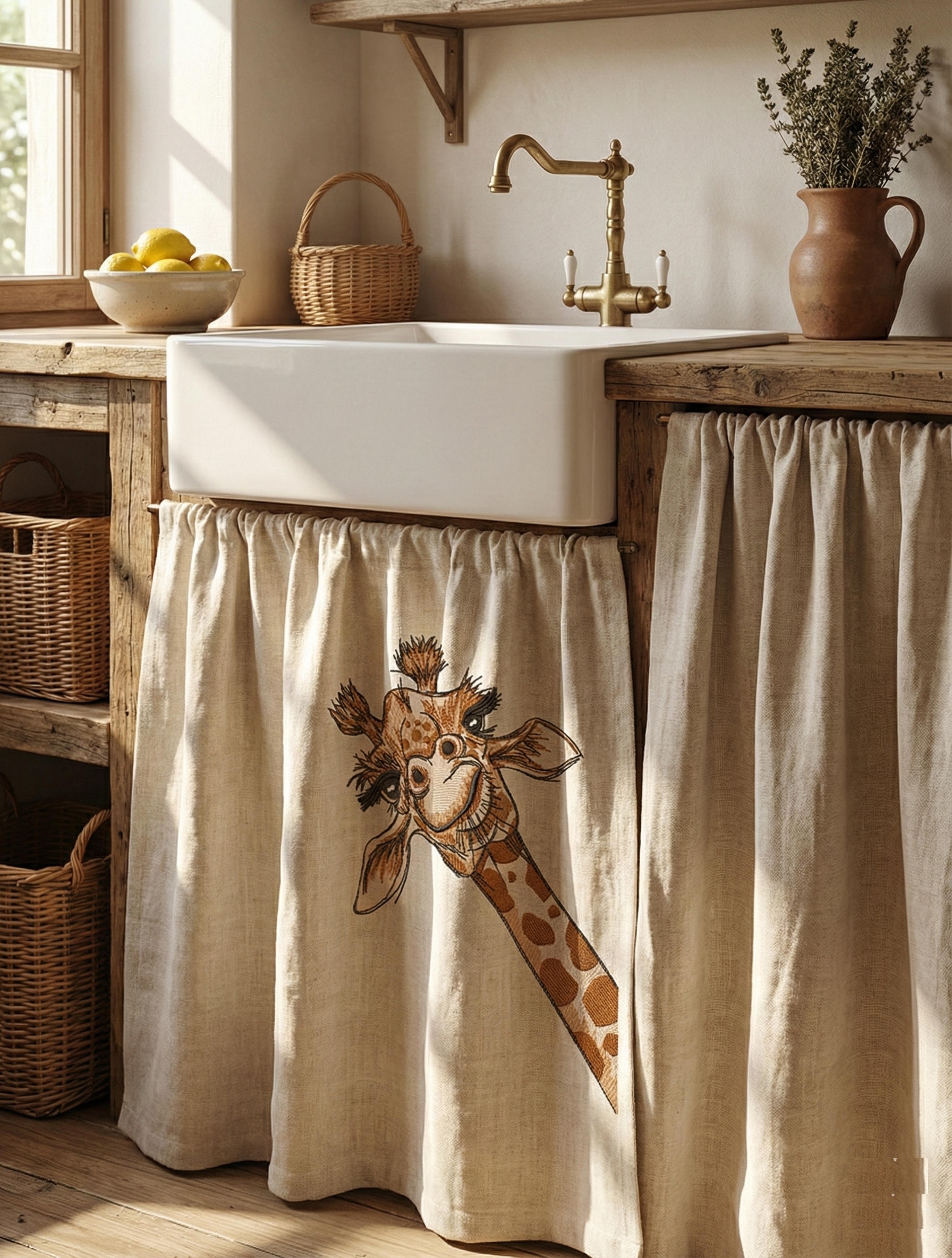
I giraffe embroidery design
🧵 Why Use Curtains on Open Kitchen Shelves?
✔ Hide visual clutter (plates, containers, tools)
✔ Protect from dust and light grease
✔ Add softness to wooden or metal shelves
✔ Easy to wash and change seasonally
✔ Perfect for farmhouse, rustic, vintage & eclectic kitchens
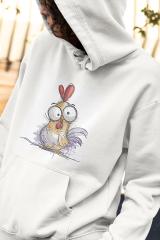
🦒 A playful embroidery motif (like a giraffe) brings joy and character, especially in family kitchens.
🎨 Popular Design & Execution Options
Curtain Styles
🪟 Straight café panels – minimal and modern
🎀 Gathered rod curtains – cozy farmhouse look
🌿 Tie-up curtains – adjustable, decorative
🧺 Panel with lace edging – vintage or country style
Embroidery Placement
Bottom corner 🌼
Centered single motif 🧵
Repeating small elements 🍃
Border embroidery along the hem
💡 Animal or character designs work best when placed off-center or low, keeping the look subtle.
🧺 Practical Fabric Choices for Kitchens
Fabric | Why It Works |
|---|---|
Cotton (plain or twill) | Breathable, washable, embroidery-friendly |
Linen or linen blends | Natural, airy, rustic look |
Half-panama | Durable, holds embroidery well |
Cotton voile | Light filtering, soft decor |
Canvas (lightweight) | Structured shelves, bold motifs |
🚫 Avoid heavy synthetics — they trap odors and grease.
🪡 Choosing the Right Embroidery Type
Best Embroidery Styles for Kitchen Curtains:
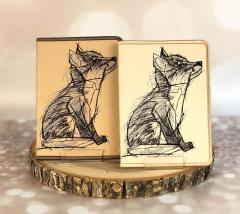
✏️ Line / sketch embroidery – light and airy
🧵 Low-density fill – decorative, not heavy
🌿 Single-color or 2–3 colors max
🦒 Playful motifs, botanicals, animals, letters
The I Giraffe embroidery design works beautifully thanks to its friendly character and clean lines.
📐 Sizes & Technical Tips
Typical panel width: 30–50 cm (12–20")
Height: 20–40 cm (8–16")
Embroidery size: 8–12 cm (3–5")
🪡 Hoop sizes:
✅ 4×4" (10×10 cm) – ideal for shelf curtains
✅ 5×7" (13×18 cm) – larger motifs
✔ Always embroider before hemming and assembling.
💬 Tips from Designers & Textile Professionals
🍽️ “Kitchen embroidery should feel light — never heavy or crowded.”
— Interior textile designer
🧵 “Wash the fabric before embroidery to avoid shrinkage later.”
— Professional embroiderer
🌿 “Natural fabrics age beautifully in kitchens.”
— Home decor stylist
🪟 “Small curtains are perfect for playful designs.”
— Rustic interior designer
🏡 Where These Curtains Are Used
✨ Open kitchen shelves
✨ Pantry shelving
✨ Coffee stations ☕
✨ Cottage & farmhouse kitchens
✨ Family homes with children
They are easy to replace, refresh, or swap seasonally — making them both functional and decorative.
🧡 Final Thought
Embroidered kitchen shelf curtains bring order, warmth, and personality into everyday spaces. With the right fabric, gentle embroidery, and thoughtful placement, even open shelves become part of the interior story 🍽️🌿
A cheerful design like the I Giraffe embroidery adds a smile — without overwhelming the kitchen.
Recommended Comments
Join the conversation
You can post now and register later. If you have an account, sign in now to post with your account.